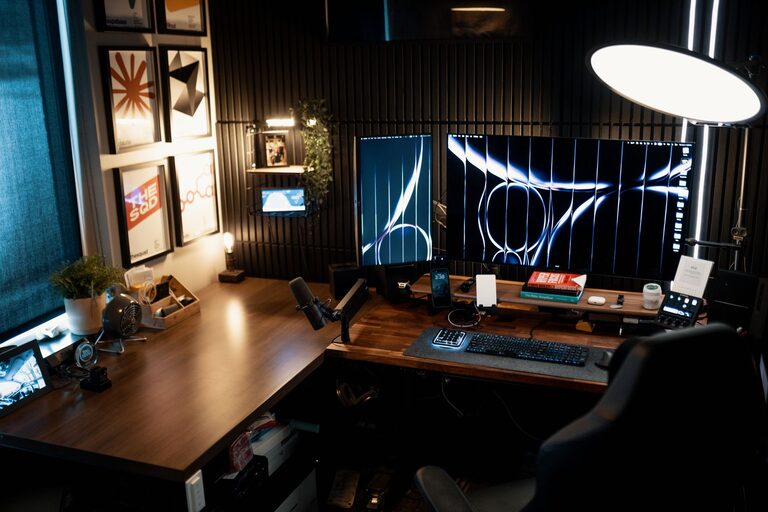
Creating a home office that is both cozy and productive can significantly improve your work-from-home experience. Whether you’re freelancing, running a business, or working remotely, an inviting workspace helps you focus and stay motivated. This post explores effective tips to design a home office that combines comfort with functionality.
Why a Cozy and Productive Home Office Matters
Spending long hours in a poorly designed workspace can affect your mood, concentration, and overall efficiency. A cozy environment promotes relaxation, while a productive setup ensures you have everything needed to complete tasks efficiently. Balancing these elements can transform your work routine positively.
Choose the Right Location
Consider Natural Light
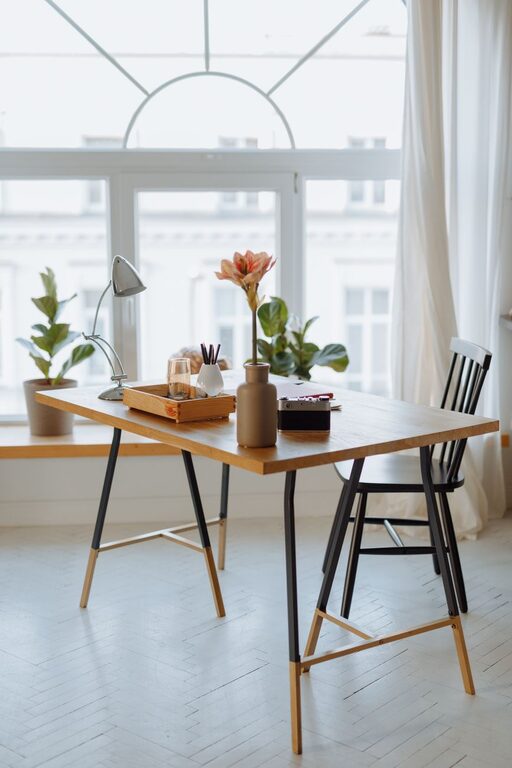
Select a space with ample natural light. Sunlight elevates mood and reduces eye strain. Position your desk near a window if possible. If natural light is limited, invest in good quality artificial lighting that mimics daylight.
Minimize Distractions
Pick a quiet area away from household noise and high traffic zones. Using a room with a door or adding room dividers can help establish clear boundaries.
Invest in Comfortable and Functional Furniture
Ergonomic Chair and Desk
Your chair should support good posture with adjustable height and back support. Pair it with a desk at a comfortable height to prevent strain. Consider sit-stand desks to alternate your position throughout the day.
Personalize Your Space
Adding cushions or a soft throw blanket enhances comfort. Include a small rug if your floor feels cold or hard to make the space feel warmer.
Organize for Efficiency
Declutter Regularly
Keep only essential items on your desk. Use organizers, trays, or drawer dividers to store supplies neatly. A tidy workspace reduces stress and improves focus.
Use Storage Solutions
Shelves, filing cabinets, and storage boxes help keep documents and tools within reach but out of sight. Label containers for easy access.
Optimize Technology Setup
Reliable Equipment
Invest in a good computer, high-speed internet, and necessary accessories (keyboard, mouse, webcam) to prevent technical frustrations. Cable organizers reduce tangled wires.
Use Multiple Screens
If your work involves multitasking, consider dual monitors to increase productivity and reduce switching between tabs.
Add Personal Touches That Inspire
Decorate Thoughtfully
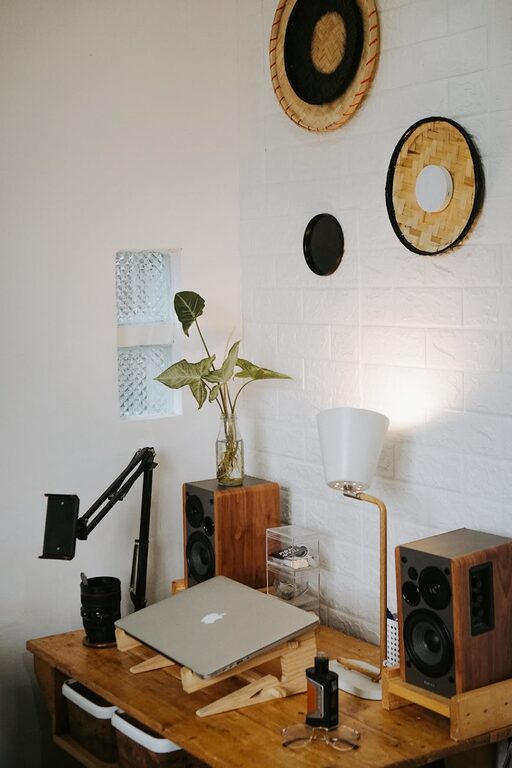
Incorporate artwork, plants, or motivational quotes that inspire creativity without overwhelming the space. Plants also improve air quality and add a natural element.
Use Calming Colors
Colors like soft blues, greens, or warm neutrals create a serene atmosphere conducive to concentration and relaxation.
Implement a Routine for Work-Life Balance
Set Working Hours
Establish clear start and finish times to separate work from personal life. Communicate your schedule with family members.
Take Breaks
Step away from your desk regularly. Short breaks enhance creativity and reduce fatigue. Use a comfortable chair or nearby relaxation spot.
Control Noise and Improve Acoustics
Use Noise-Cancelling Headphones
These help maintain focus in a noisy environment.
Add Soft Furnishings
Curtains, rugs, and cushions absorb sound, reducing echo and making your office feel warmer.
Maintain Proper Ventilation and Temperature
Fresh air and comfortable temperature influence productivity. Use fans or heaters as needed. Open windows when possible to circulate air.
Lighting Tips for Comfort and Focus
Layer Your Lighting
Combine overhead lights with task lighting such as desk lamps or floor lamps to prevent eye strain during different times of day or tasks.
Avoid Glare
Position screens and lights to minimize reflections and glare on monitors.
—
By thoughtfully designing your home office with these tips, you can create a cozy environment that supports focus and productivity. Remember, a workspace tailored to your comfort and needs makes working from home more enjoyable and productive. Take your time to adjust and personalize—your perfect home office awaits!
About the Author