Creating a cozy and productive home office space is essential for anyone working remotely or managing tasks from home. A well-designed workspace not only enhances your efficiency but also supports your well-being throughout the day. Whether you have a dedicated room or just a small corner, thoughtful planning can transform your work area into a place where you enjoy spending time. Here are some tips to help you create a home office that is both inviting and functional.
Choose the Right Location
Consider Natural Light
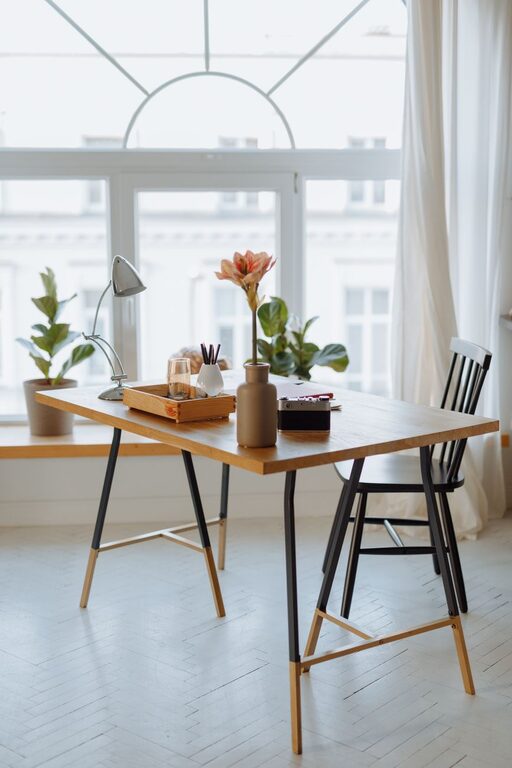
Natural light has a positive effect on mood and energy levels. Aim to set up your desk near a window where possible. This can help reduce eye strain and create a pleasant atmosphere. If natural light is limited, invest in good-quality lighting to keep your workspace bright and cheerful.
Minimize Distractions
Select a spot in your home that is quiet and away from daily distractions, such as the television or busy household areas. If space is limited, use room dividers or noise-cancelling headphones to create a focused environment.
Invest in Comfortable Furniture
Ergonomic Chair and Desk
Comfort is key for productivity. Choose an ergonomic office chair that supports your posture and a desk at the right height for comfortable typing and writing. Adjustable furniture allows you to customize your setup to your needs.
Use a Desk with Enough Surface Space
Make sure your desk has enough room for your computer, documents, and any other tools you use regularly. Clutter-free surfaces can help maintain focus and keep your work organized.
Organize Your Workspace
Declutter Regularly
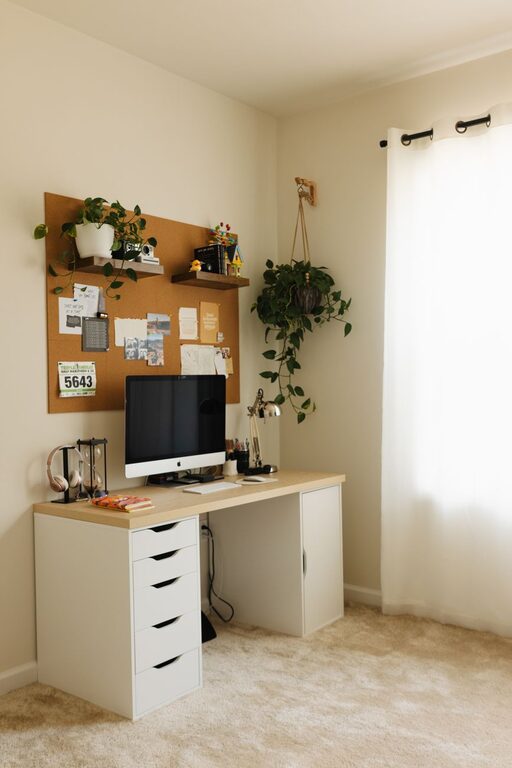
Keep only essential items on your desk to avoid distractions. Use storage solutions such as drawers, shelves, or organizers to keep paperwork and supplies tidy.
Use Cable Management
Tangled cords can be both distracting and hazardous. Use clips, sleeves, or boxes to keep cables out of sight and organized.
Create Zones
If you have space, designate areas for different activities—such as a computer area, a reading corner, or a writing space—to keep your workflow smooth and efficient.
Add Cozy Elements
Soft Textiles
Incorporate a cushion, a cozy throw blanket, or a soft rug to make your space more inviting and comfortable.
Personal Touches
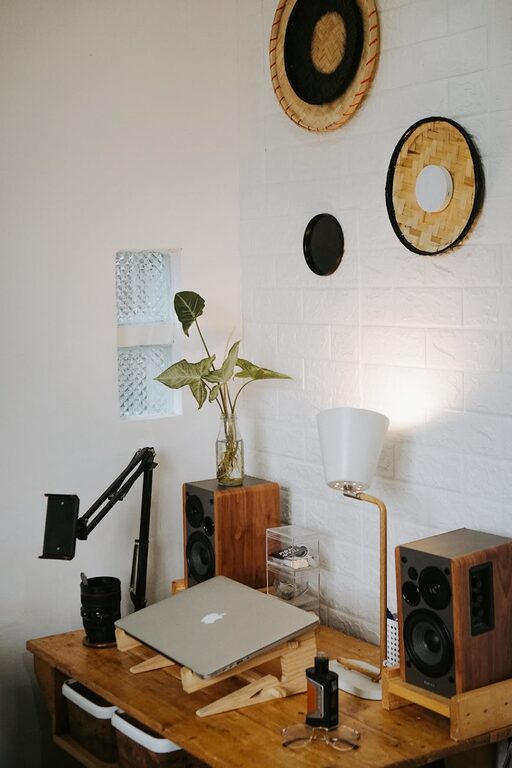
Decorate your office with personal items like photos, plants, or artwork that inspire you without overwhelming the area.
Temperature and Air Quality
Ensure your workspace is at a comfortable temperature and well-ventilated. Using an air purifier or adding indoor plants can improve air quality.
Optimize Lighting
Task Lighting
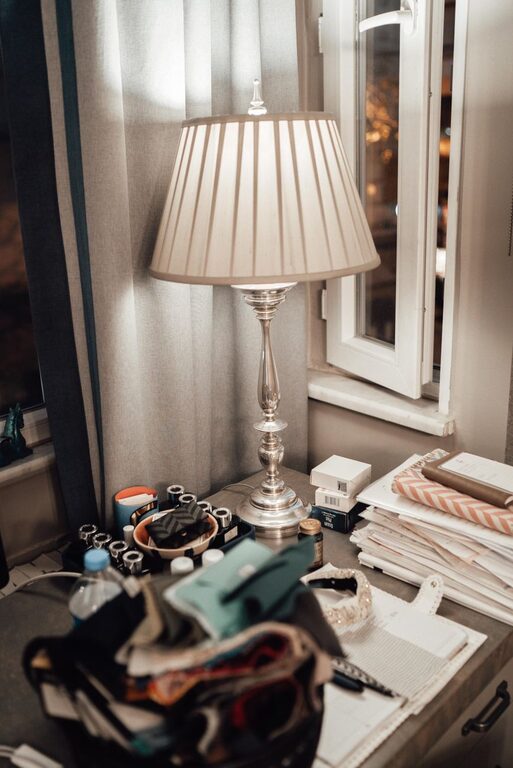
In addition to overhead lights, use a desk lamp to focus light directly on your work. Adjustable lamps help prevent eye strain during detailed tasks.
Warm Light for Comfort
Consider bulbs that emit warm light to create a cozy atmosphere, especially during early mornings or late evenings.
Use Technology Wisely
Reliable Equipment
Choose a computer, printer, and other tools that suit your work needs and run reliably. This reduces downtime and frustration.
Backup Your Data
Set up automatic backups or cloud storage to protect your work and give you peace of mind.
Set Boundaries and Routine
Define Work Hours
Establish clear start and finish times to balance productivity and relaxation.
Use Visual Cues
Use a door sign or close the door if possible to let family members know when you’re working and should not be disturbed.
Stay Inspired and Motivated
Change Your Layout Occasionally
Rearranging your furniture or refreshing your decor can boost creativity and help prevent monotony.
Incorporate Plants
Greenery not only improves air quality but has been shown to reduce stress and increase productivity.
—
By following these tips, you can design a home office that feels cozy and supports your productivity. Remember, the best workspace is one that suits your personal preferences and work habits, so don’t hesitate to experiment and find what works best for you. Creating a balance between comfort and function will make your home office a place where you enjoy working every day.
About the Author