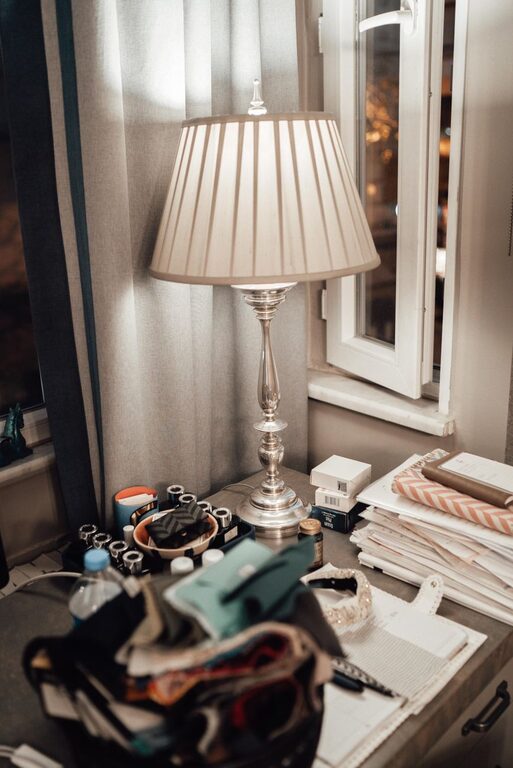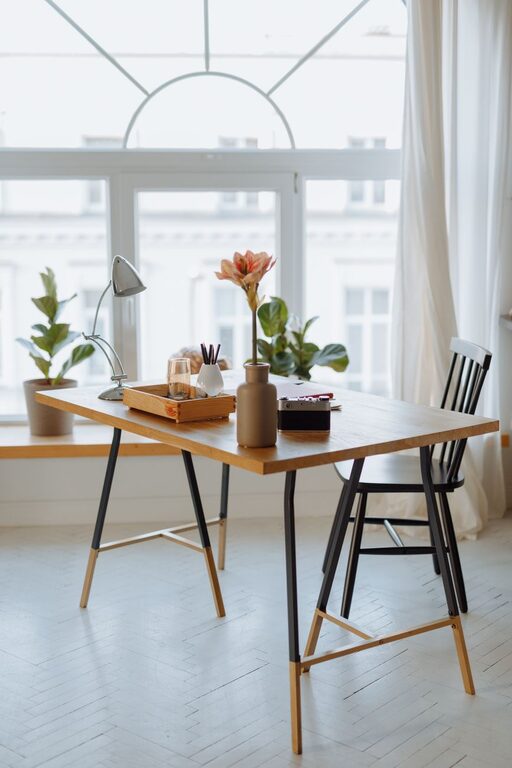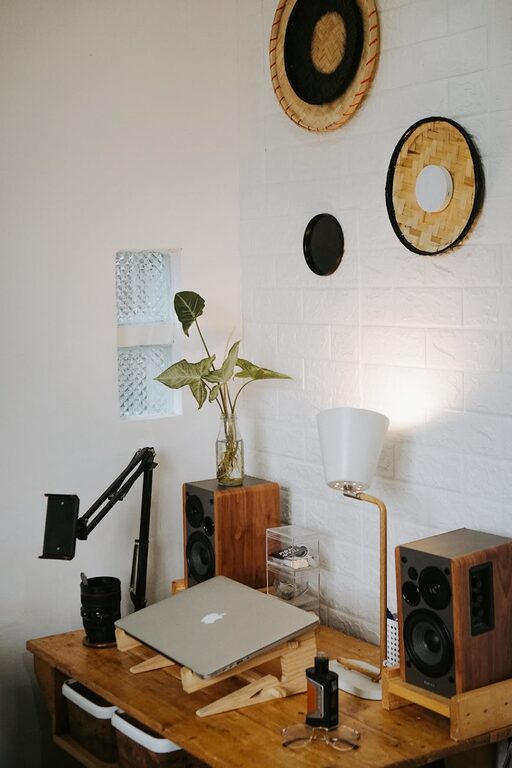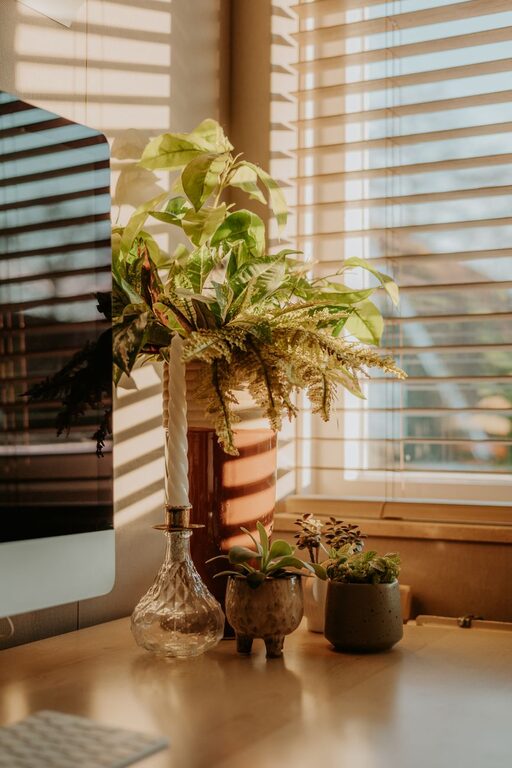
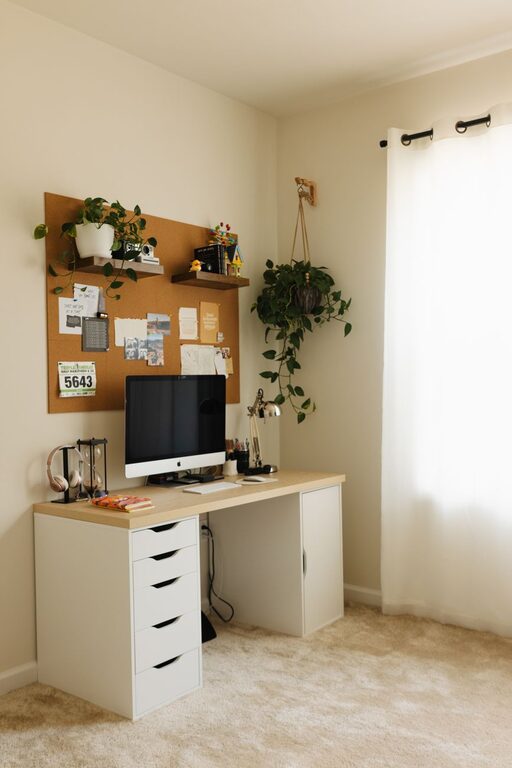
Creating a cozy and functional home office space is essential for anyone working remotely or managing tasks from home. A well-designed workspace can boost your productivity while helping you stay comfortable and focused. Whether you have a dedicated room or just a small corner, these tips will guide you in setting up an ideal home office tailored to your needs.
Choose the Right Location
Picking the best spot for your home office is the first step. Ideally, select a quiet area with minimal distractions and enough space for your work essentials. If possible, a room with natural light is great for reducing eye strain and improving mood.
– Consider privacy: Choose a location where you can work without interruptions.
– Access to power outlets: Ensure there are sufficient plugs for your computer, charger, and other devices.
– Ventilation: A well-ventilated room helps maintain comfort throughout the day.
Invest in Comfortable and Ergonomic Furniture
Comfort plays a key role in preventing fatigue and maintaining good posture.
– Ergonomic chair: Look for adjustable chairs that support your back and encourage proper sitting posture.
– Desk size: Choose a desk that fits your workflow—enough space for your computer, notebooks, and other essentials without feeling cluttered.
– Adjustable desk options: Consider a sit-stand desk if you want to alternate between sitting and standing during your workday.
Optimize Lighting
Lighting influences energy levels and reduces eye strain.
– Natural light: Position your desk near a window, but avoid glare on your screen.
– Task lighting: Use an adjustable desk lamp with warm light to focus on reading or writing tasks.
– Ambient lighting: Soft overhead lighting creates a cozy atmosphere and can reduce shadows.
Personalize Your Workspace
Adding personal touches makes your office feel inviting and motivates you to spend time there.
– Artwork: Hang pictures or prints that inspire or calm you.
– Plants: Indoor plants not only beautify the space but also improve air quality.
– Decor: Use items like colorful stationery, a cozy throw, or interesting bookends.
Keep Your Workspace Organized
Clutter can distract you and reduce efficiency. Developing smart organizational habits helps maintain a functional space.
– Storage solutions: Use shelves, drawer organizers, or filing cabinets to keep supplies tidy.
– Cable management: Employ clips or tubes to keep cords neat and out of the way.
– Daily tidying: Dedicate a few minutes at the end of each day to clear your desk.
Incorporate Technology Thoughtfully
Technology can enhance your work experience when set up properly.
– Reliable internet connection: Invest in a strong Wi-Fi router or Ethernet connection to avoid interruptions.
– Essential devices: Use a good quality monitor, keyboard, and mouse to increase comfort and productivity.
– Noise control: Consider noise-cancelling headphones or a white noise machine if working in a noisy environment.
Maintain Work-Life Balance with Boundaries
A dedicated home office helps separate professional and personal life.
– Clear start and end times: Create a schedule and stick to it.
– Physical separation: Close the door or create a visual boundary when work hours are over.
– Break areas: Have a separate spot for coffee breaks or relaxation.
Add Comfort Elements
Small additions can make a big difference in how cozy your office feels.
– Soft textiles: Cushions or a small rug can add warmth to the floor and seating.
– Temperature control: Use a fan or heater to keep your workspace comfortable.
– Aromatherapy: A diffuser with essential oils like lavender or peppermint can help you relax or stay alert.
Final Thoughts
Designing a home office that balances comfort and functionality is achievable regardless of your space or budget. Focus on ergonomics, lighting, organization, and personal touches to create an environment where you can thrive. With these tips, your home office will become a place you look forward to working in every day.
About the Author